On this page · 7 min
Billions of Machines lists what an agent needs from a single machine: isolation, speed, branches, a whole computer, composition, memory, handoff, an API, and idle that costs nothing.
Put those machines together and you compose a computer that fits the work. One machine you work on, forks of it with an agent in each, a URL for every one of them, and a colleague able to go into any of them.
This page explains the concepts. The commands live in the quickstart, and each section below points at the guide that covers it properly.
The machine
A boxd machine is a KVM virtual machine with a kernel of its own, not a container sharing the host's. It boots in under 10 milliseconds, and it is live on the internet the moment it exists, at its own HTTPS address with a certificate already issued.
Ubuntu 24.04, 2 vCPU, 8 GB of RAM, 100 GB of persistent disk, and root. Docker, Python, Node, Go and a headless browser are preinstalled, and anything that runs on Linux runs here. You reach it with one command from your terminal, or over SSH from your editor.
Everything else on this page is something you do to one of these.
Getting your code onto it
Every machine is already signed in to GitHub, so cloning a private repo works without you setting up a token first. Copying files from your laptop works in both directions, and a local .env can be pushed onto a machine as a file. Secrets you set once are injected into every machine you create after that.
→ File operations, Environment variables and secrets, Integrations
The agent lives on the machine
Claude Code, Codex, and OpenCode come preinstalled, already configured to work with boxd. You can start one from your laptop, or connect and work next to it.
The important part is where it runs. The agent works on the machine that serves the URL, so it installs the database, writes the code, and starts the server in the same place people are looking at the result. You refresh the page and the change is there. Nothing is deployed, because there is no deployment target, and reviewing the work can start with clicking it rather than reading the diff.
Forking
A fork copies a running machine. Not the disk alone: the memory and the processes come too, so the copy wakes up mid-thought with the database already seeded and the server already listening. It takes milliseconds.
This is what makes parallel work possible. Fork once per task and each agent gets a database to itself, a port 3000 to itself, and an address of its own. Nothing collides or gets overwritten, and every result is live and clickable before you decide which one to keep.
→ Fork, Agent swarm intelligence, Reproducible RL environments
Snapshots
Setting an environment up should happen once, not once per machine. A snapshot saves memory and disk under a name, and new machines can be created from it directly.
A machine created from a snapshot starts at the state you saved, with the services already running, and the snapshot outlives the machine it came from. This is how a team shares one prepared environment, and how every pull request gets a warm start instead of a cold build.
Both primitives copy a machine, and they are for different moments. A fork goes straight from one running machine into another with nothing written to disk in between, which is what you want when work branches right now. A snapshot is the version you keep and come back to, which is what you want when machines should start from the same prepared state days apart.
→ Snapshots, Golden image, Preview environments
Checkpoints
A checkpoint is an undo button for one machine. Save before a migration or anything else you would rather be able to reverse, and restore afterwards if it went wrong.
Restoring reboots the machine into that exact state and keeps its name, its URL, and its ports, so nothing pointing at it notices. You can hold ten per machine. This is what makes it reasonable to let an agent attempt the risky thing at all.
→ Checkpoints, Disaster recovery
Sleeping and waking
A machine with no traffic drops to standby on its own. Zero CPU, zero memory, the disk and the address preserved, and almost nothing on the bill. The first packet wakes it in under a millisecond, so a webhook, a connection, or a browser opening the URL is enough.
What comes back is the same machine: the same processes, the same warmed cache, the same open connections. There is no setup script that runs on wake, because nothing was lost while the machine slept.
This is what makes fifty machines reasonable to own. Agents leave machines running, and machines that wait cost nothing.
Taking over
An agent gets stuck, or does something that needs a decision only you can make. boxd connect drops you into an interactive shell on that machine, on the exact state it left. Your editor gets in the same way, since <name>.boxd works with plain SSH and with Cursor, VS Code or Zed.
Sharing is the same move for other people. Open a machine to your org and anyone can use the result at its URL or work inside it directly. Credentials are wiped when a machine is shared, so your colleague gets the machine and none of your keys.
Machines create machines
The CLI is installed inside every machine and the whole platform has an API, so software does everything above without a person involved. An orchestrator creates a hundred machines and destroys them an hour later. An agent creates one when it needs a second pair of hands, and reaches it by name on the private network with no key to pass around.
This is also how a product gives every one of its own users a machine.
→ Machine to machine, Agentic SaaS
Connecting it to the rest of your world
Point your own domain at a machine, publish more than one service from it, put your machines on a Tailscale network, or reach your laptop's clipboard, files and browser from inside one.
→ Custom domains, Port forwarding, Proxies, Tailscale, Client utilities
Composing the computer
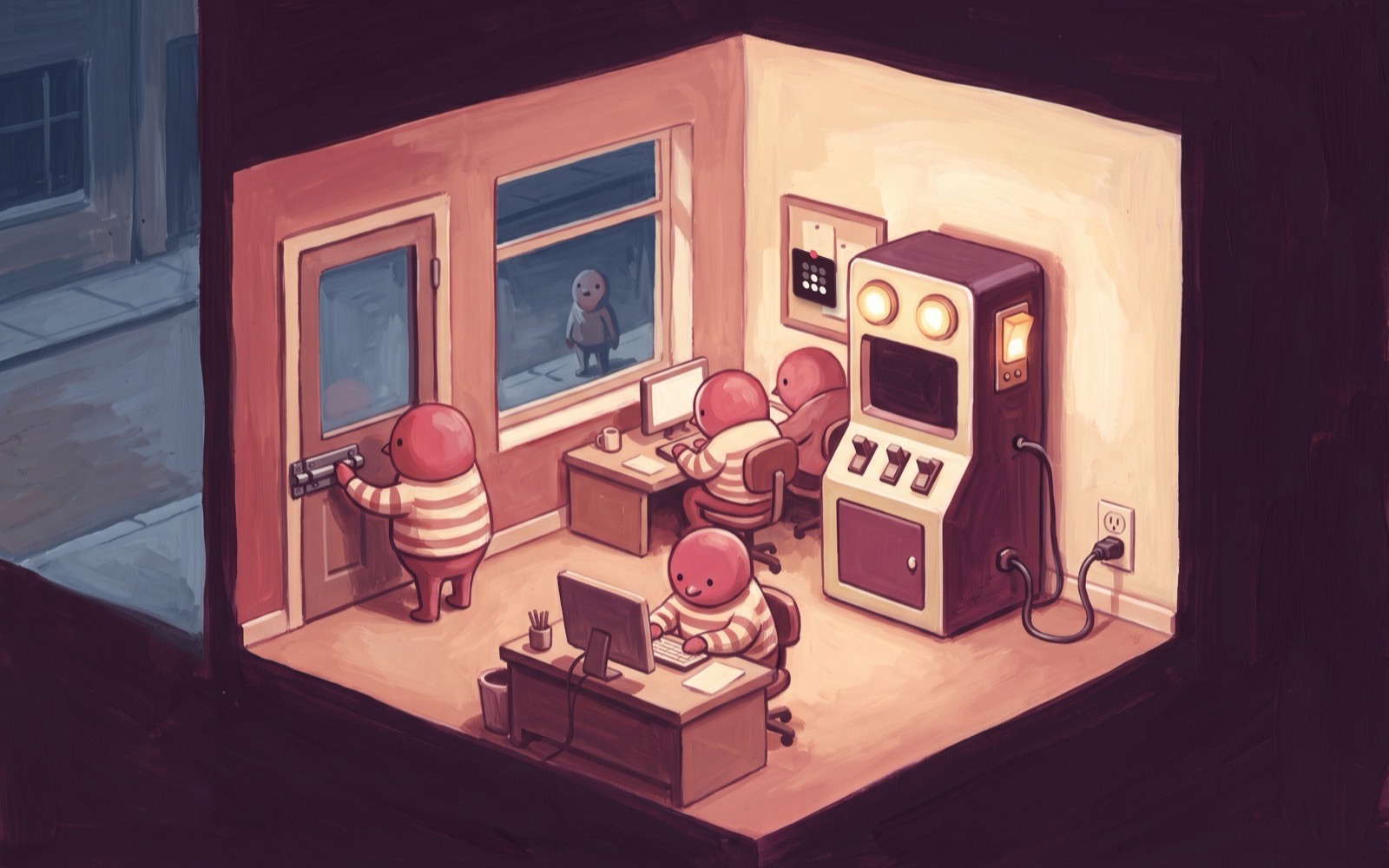
By the end of a normal day you have a handful of machines running. The one you set up. A few forks of it, each with an agent working on a different task. Every one of them has a URL, so anyone can look at any result without checking out a branch, and a colleague can go into any of them with you.
That collection is the computer you composed. It lives in the cloud, it is as many machines as the work needs today, and it costs almost nothing the moment the work stops.
Where next
The quickstart has the commands, and takes about ten minutes.
After that, pick by what you are doing:
- Daily development on a real machine → Development workspaces
- A machine per pull request → Preview environments
- Running code you do not trust → Sandboxes
- A machine for every user of your product → Agentic SaaS
- An always-on assistant → Personal assistants
- Identical warm starts for RL rollouts → Reproducible RL environments
- One agent per task, working in parallel → Coding agents
- Many agents on one problem → Agent swarm intelligence
- Running an open source agent framework → OSS integrations
Billions of Machines is the article behind all of this.
 Michiel Voortman